Study Tools
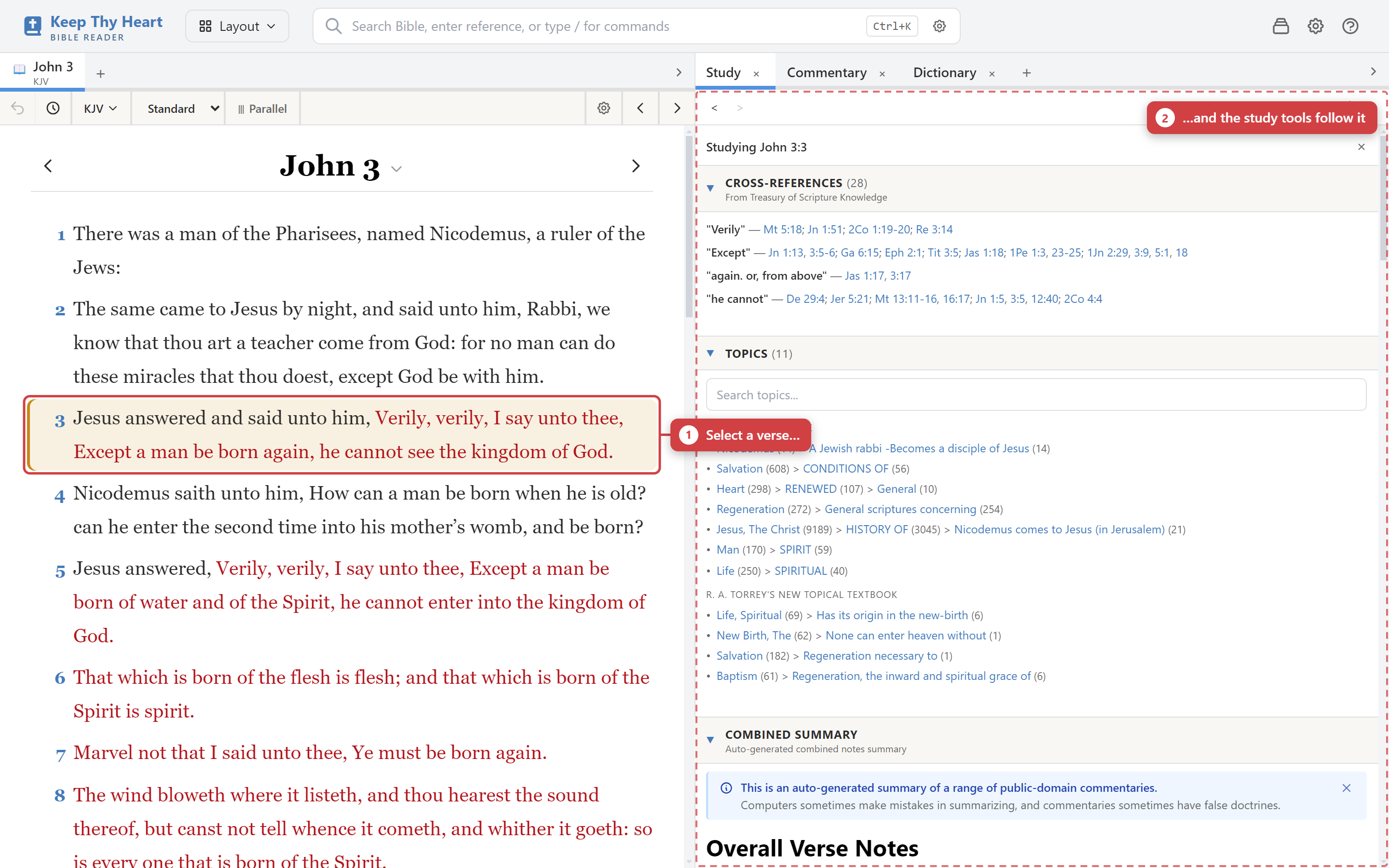
Everything on this page works the same way: select a verse in the Bible pane, and the study tools follow it. Commentaries, dictionaries, cross-references, and topics all react to your current selection, so you rarely have to search for anything by hand.
Commentaries
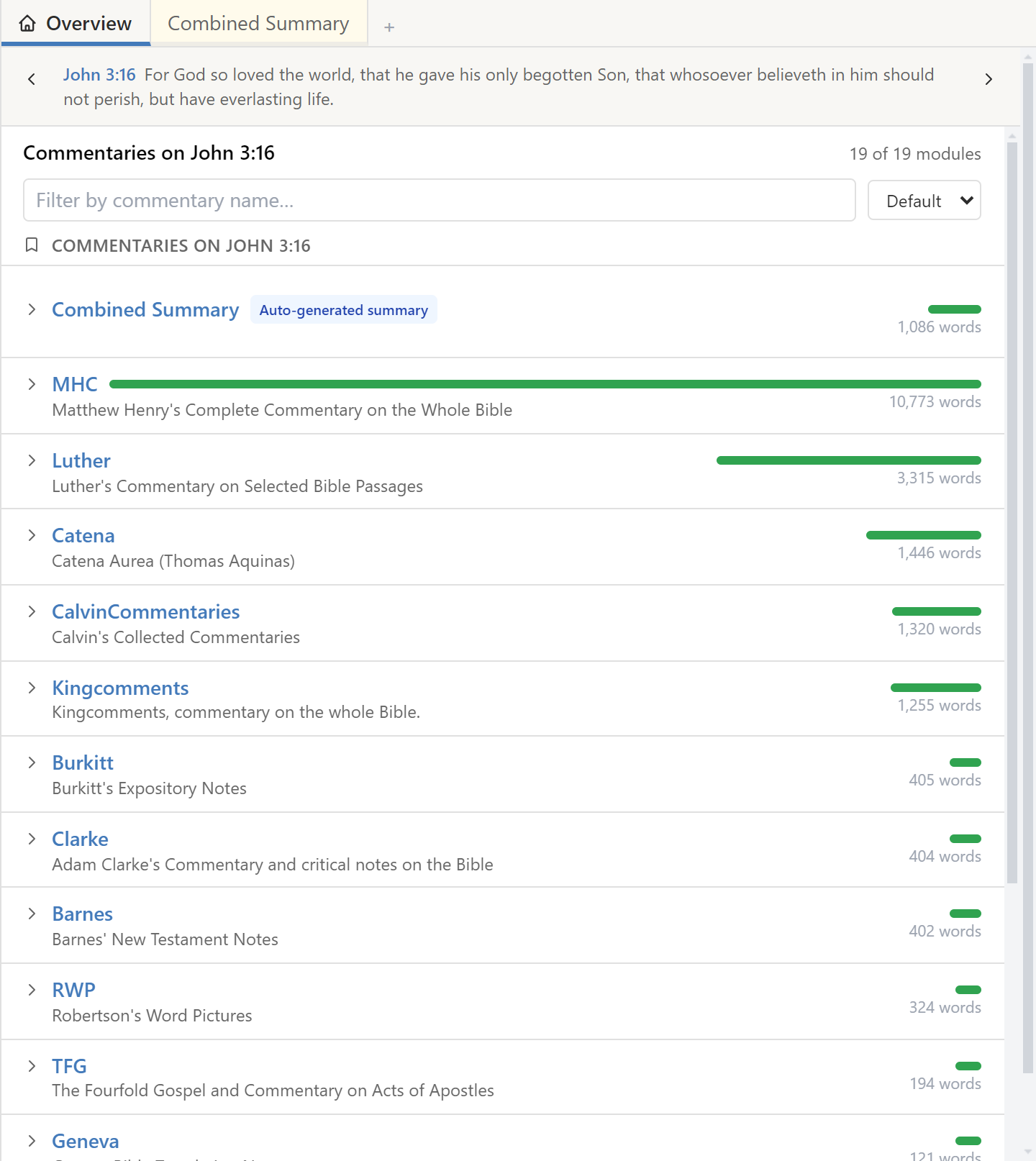
Open the Commentary tab in the study pane. It shows entries from your installed commentaries for the verse you have selected.
- Use the commentary tabs to move between different commentaries on the same verse. You can keep several open at once for comparison.
- Each entry shows the verse range it covers along with the commentary text.
- Previous and next arrows jump to the nearest verse that actually has commentary, which saves stepping through verses the commentator skipped.
- The tree view browses a commentary's full table of contents, so you can read it as a book rather than verse by verse.
- Scripture references inside commentary text are clickable and will move the Bible pane to that passage.
Install and remove commentaries through File → Module Manager; see Installing Modules.
Dictionaries and lexicons
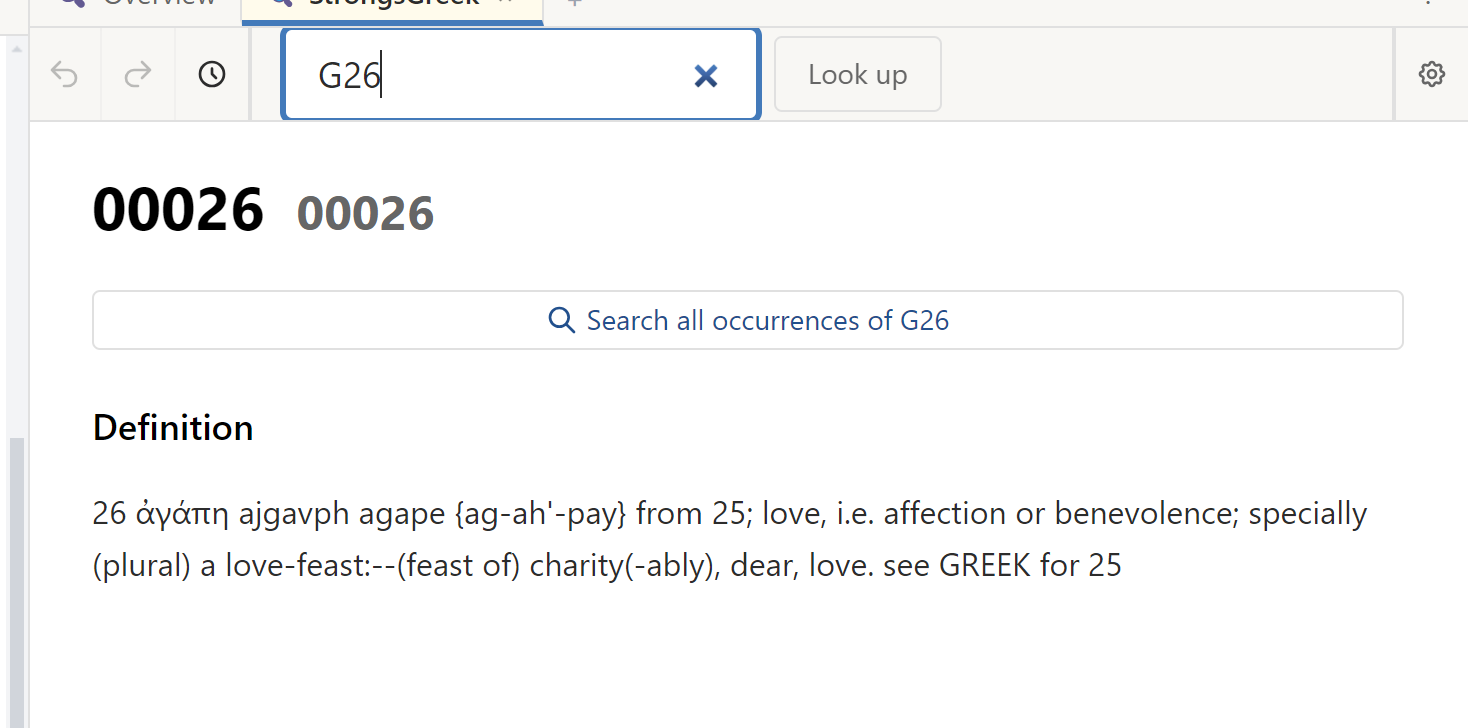
Open the Dictionary tab and pick a dictionary from the dropdown — a Strong's lexicon, or a general Bible dictionary. You can browse entries alphabetically or search for a term, and click any entry for the full definition.
An entry typically gives the word, its transliteration, pronunciation, definition, and examples of usage.
Strong's numbers
Strong's numbers are a standard index into the Hebrew and Greek vocabulary of the Bible:
- G prefixes Greek entries — G26 is agape, love.
- H prefixes Hebrew entries — H430 is Elohim, God.
In Study display mode, Strong's numbers appear beneath the original-language words. Click one to look it up.
Word occurrences
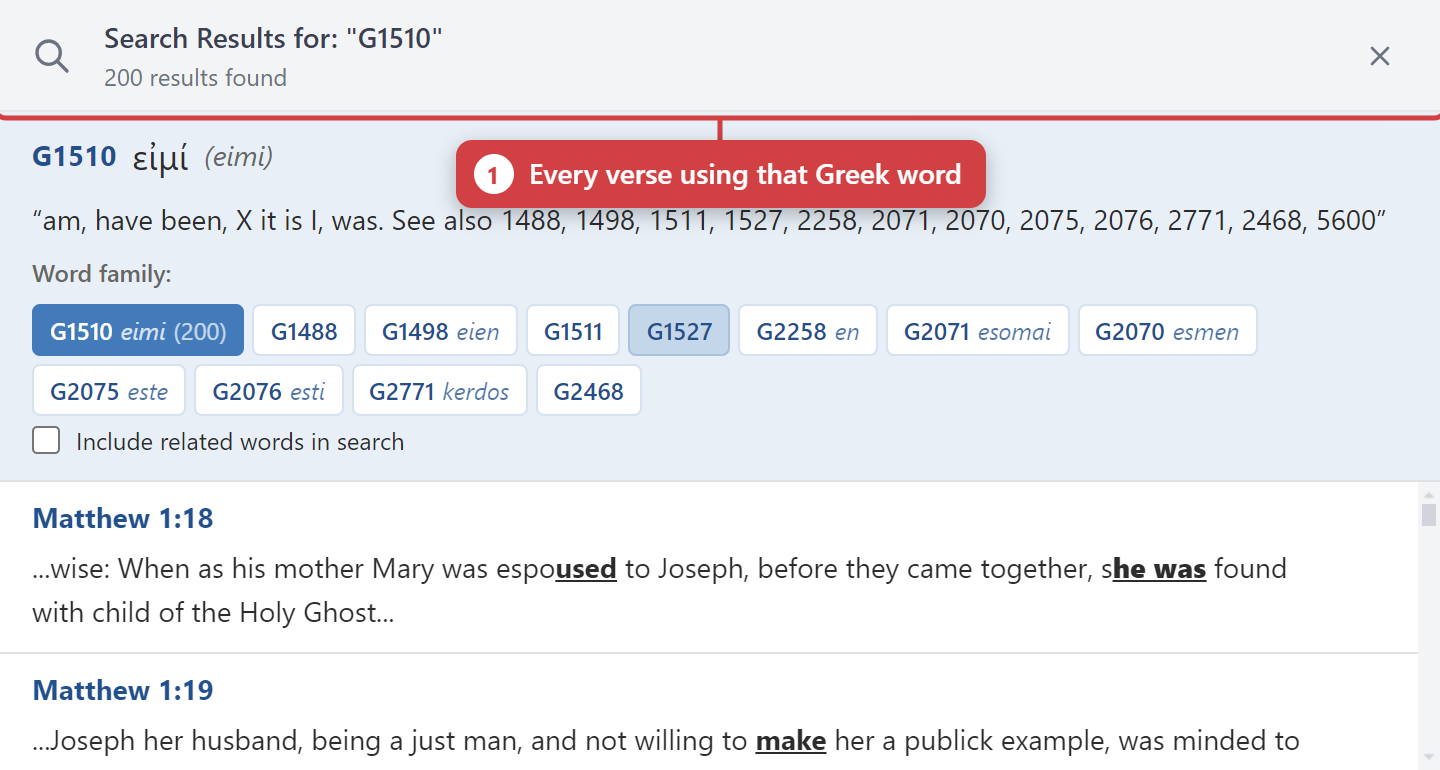
From a dictionary entry you can list every verse where that word occurs. This is the backbone of a word study: instead of asking what a translation chose in one place, you can see the whole range of how a Greek or Hebrew word is used across Scripture.
Study mode and the interlinear
Select Study from the display mode control in the Bible pane header. Each word is then displayed as a stack:
- The original word — the Greek or Hebrew text.
- Transliteration — a Romanized pronunciation guide.
- Strong's number — clickable, opens the dictionary.
- Morphology code — part of speech, tense, mood, case, and so on.
- The English word it corresponds to.
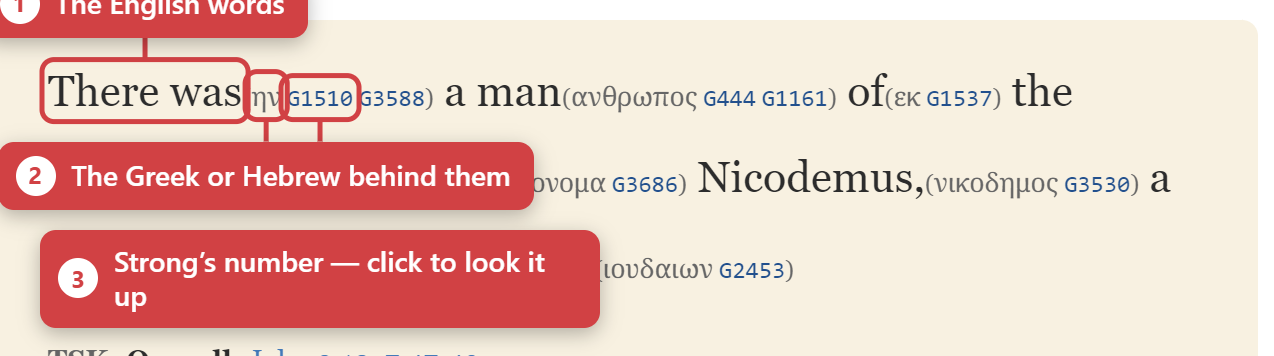
Study mode requires interlinear data, which comes from its own module. If you switch to Study and see ordinary text, you need to install an interlinear module.
Morphology colors
Parts of speech are color-coded so the grammatical shape of a sentence is visible at a glance:
| Color | Part of speech |
|---|---|
| Blue | Verbs |
| Green | Nouns |
| Purple | Adjectives |
| Orange | Pronouns |
You can also switch between an inline and a stacked interlinear layout from the study controls, depending on whether you would rather read across or read down.
Cross-references
In Standard and Study modes, cross-reference markers appear beside verses. Click one to see the related passages, and click a passage to go there.
You can also create your own cross-references, linking verses that you have found connected in your own reading. Over time this builds a reference network specific to how you study — one of the more valuable things in the app, and worth including in your backups.
Topics
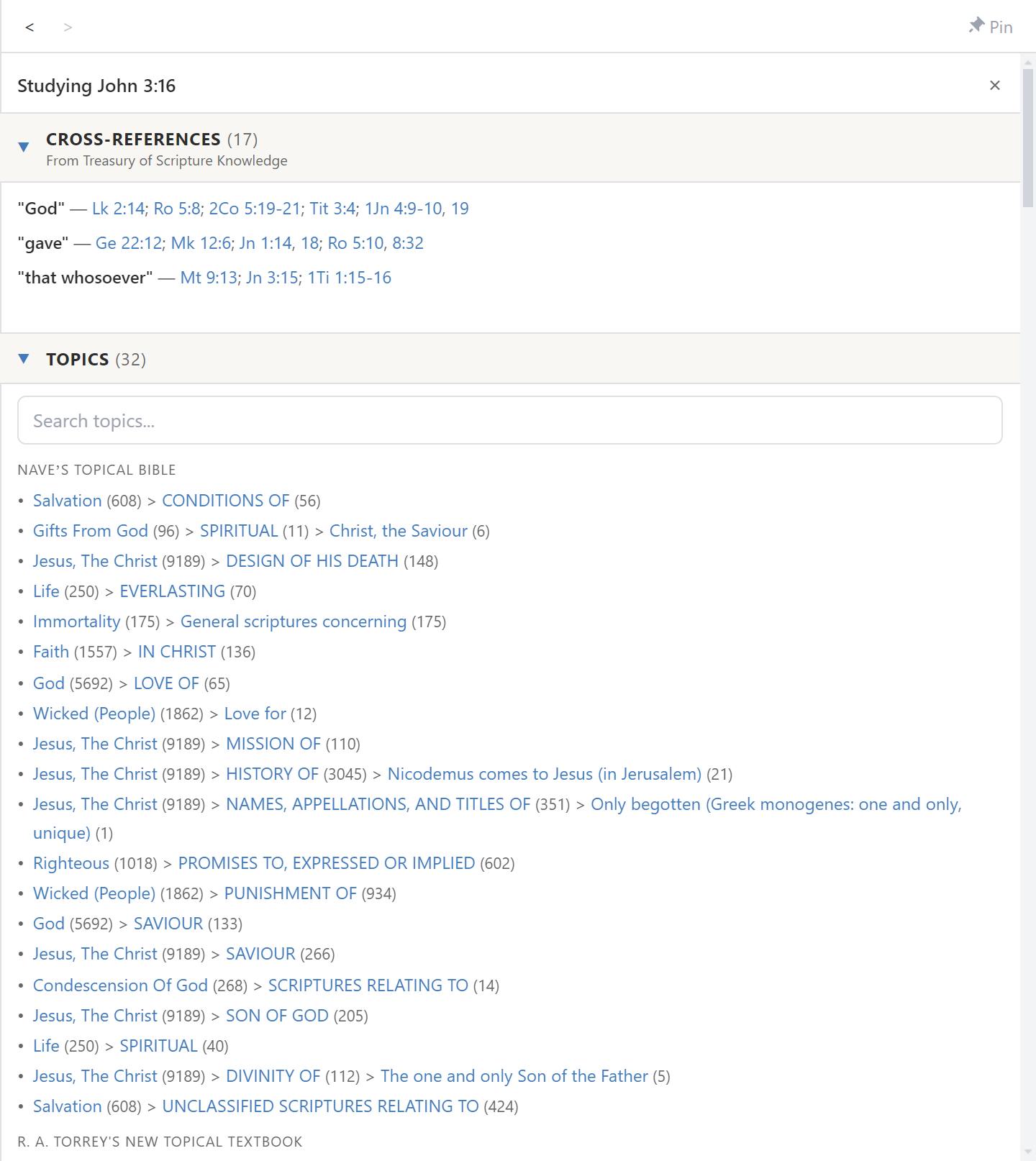
The Topics tab browses topical indexes: subject headings with the verses that belong to them, arranged in a hierarchy.
- Search or filter to find a topic.
- Drill into sub-topics to narrow a broad subject.
- See the verses gathered under any topic, and click through to them.
- Select a verse in the Bible pane and the Topics tab will show which topics that verse belongs to — a reverse lookup that's useful for finding the wider theme of a passage.
The Study pane
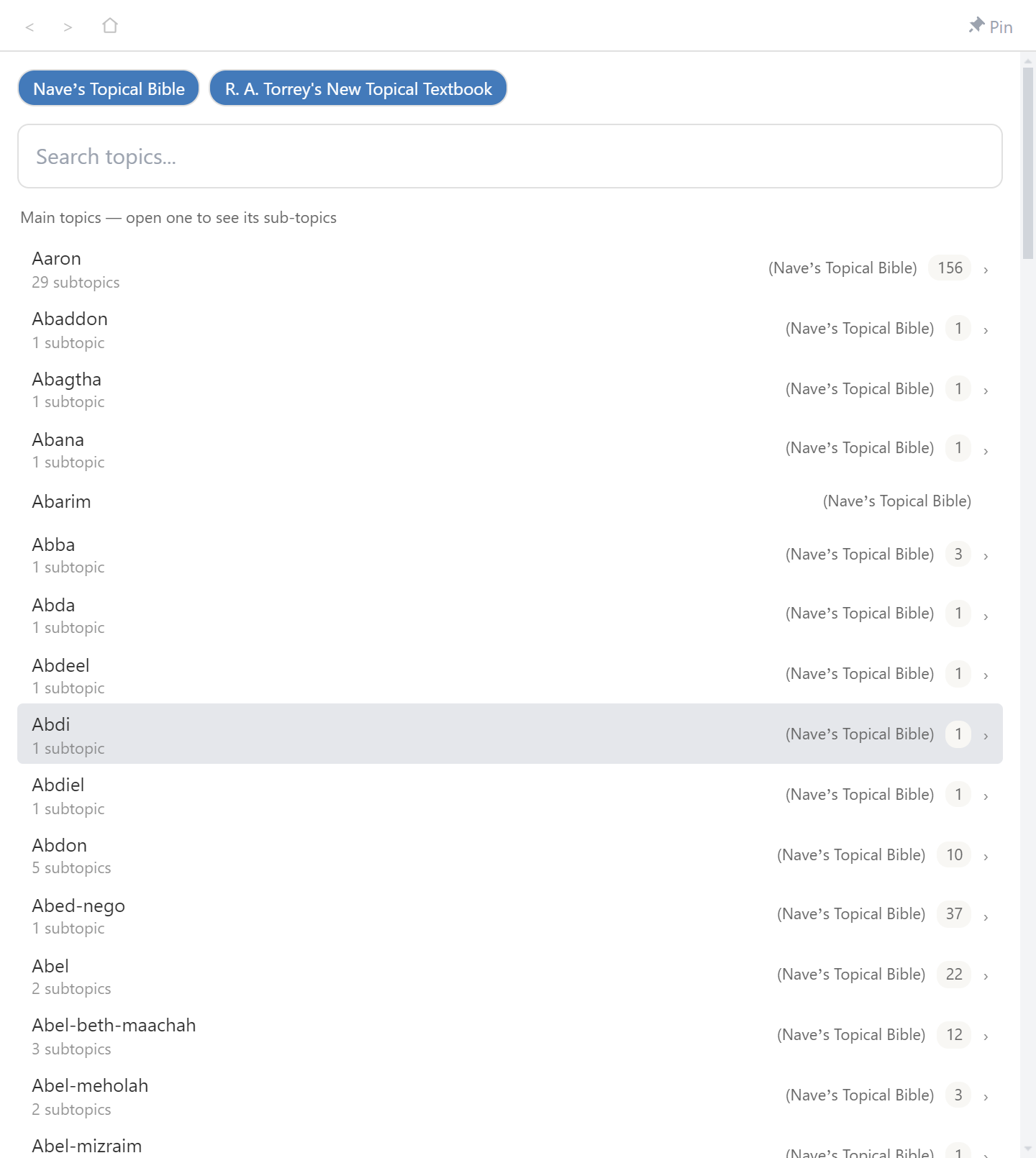
The Study tab is a single verse-centred hub. Select a verse and it gathers commentaries, cross-references, and topics for that verse into one place, rather than making you visit each tab in turn. If you're not sure which tool you want, start here.
Books and devotionals
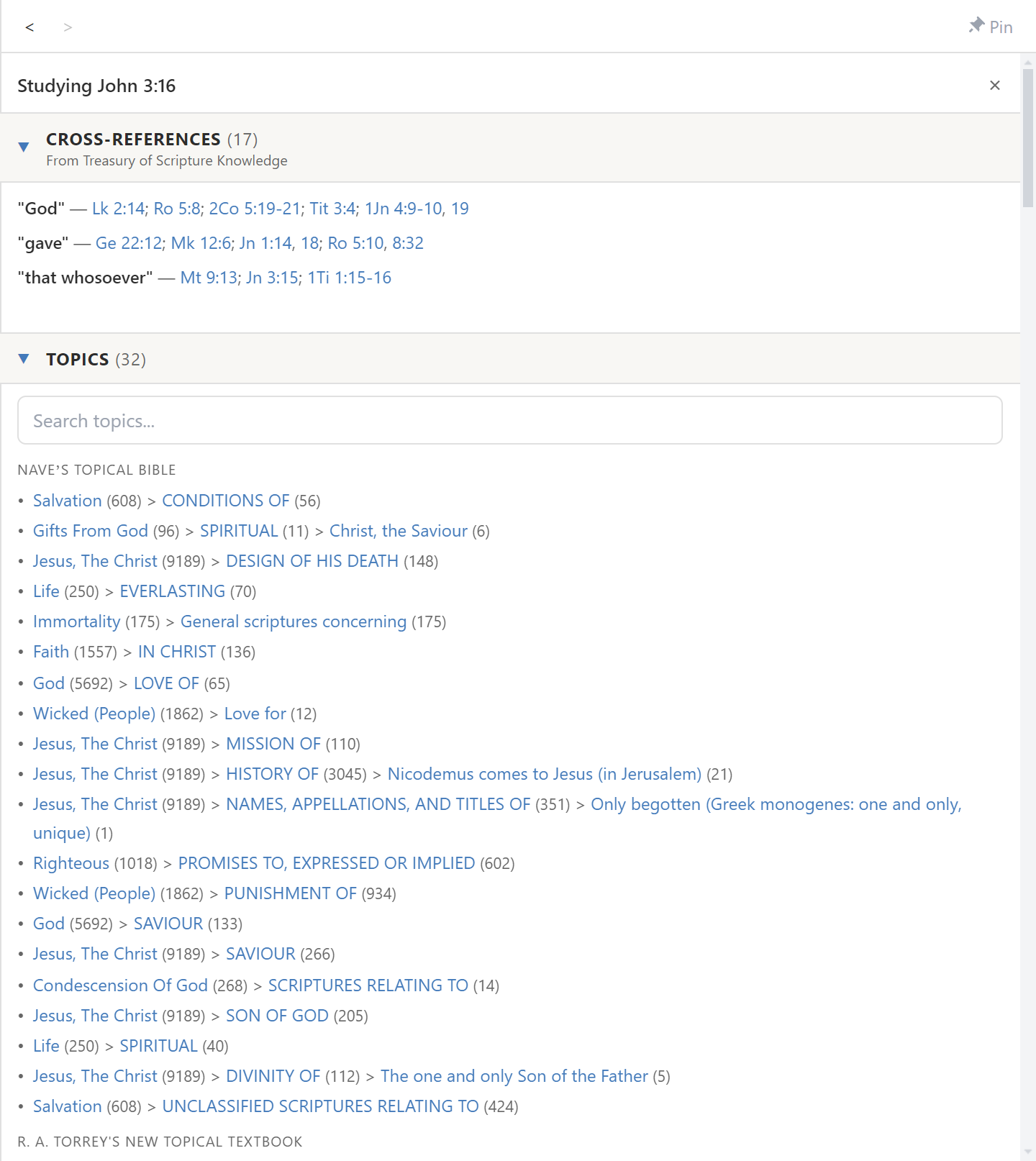
The Books tab reads long-form works — devotionals, theological books, study guides — with a tree view for the table of contents. Scripture references within them are clickable, like commentary text.
What's next
- Recording what you find: Notes & Highlights.
- Searching across all these modules at once: Searching.
- Getting more commentaries and lexicons: Installing Modules.