Keep Thy Heart Bible Reader for the Web
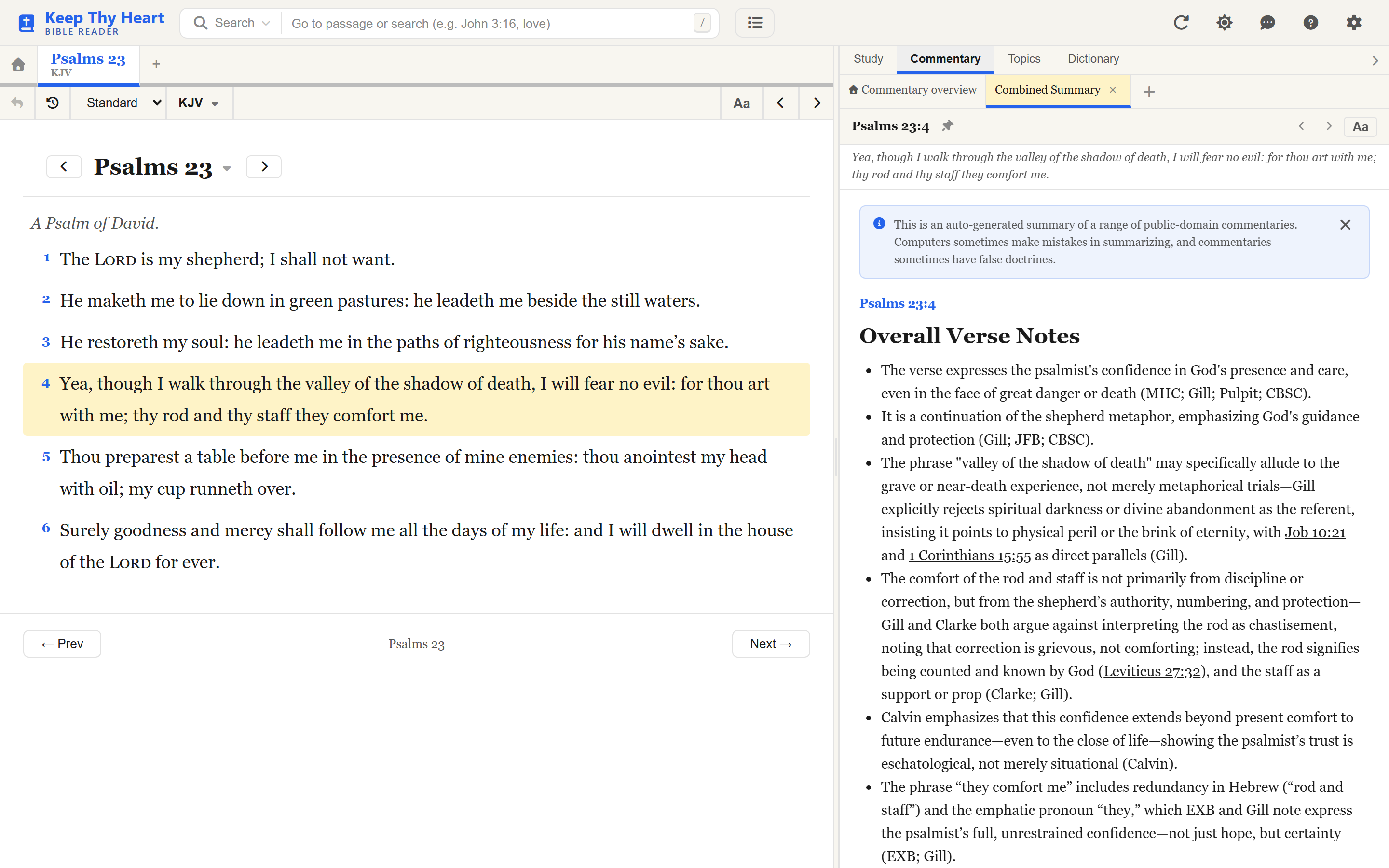
Keep Thy Heart Bible Reader is a modern tool for reading and studying the Bible in your browser. There is nothing to install and nothing to configure — open the site and you are reading.
What you can do here
- Read the Bible in a clean, comfortable layout, with your choice of translation.
- Study deeply with commentaries, cross-references, topical indexes, and original Greek and Hebrew word tools — all beside the passage you are reading.
- Search two ways. Standard Search finds exact words. Ideas Search finds passages by meaning, so a half-remembered verse is still within reach.
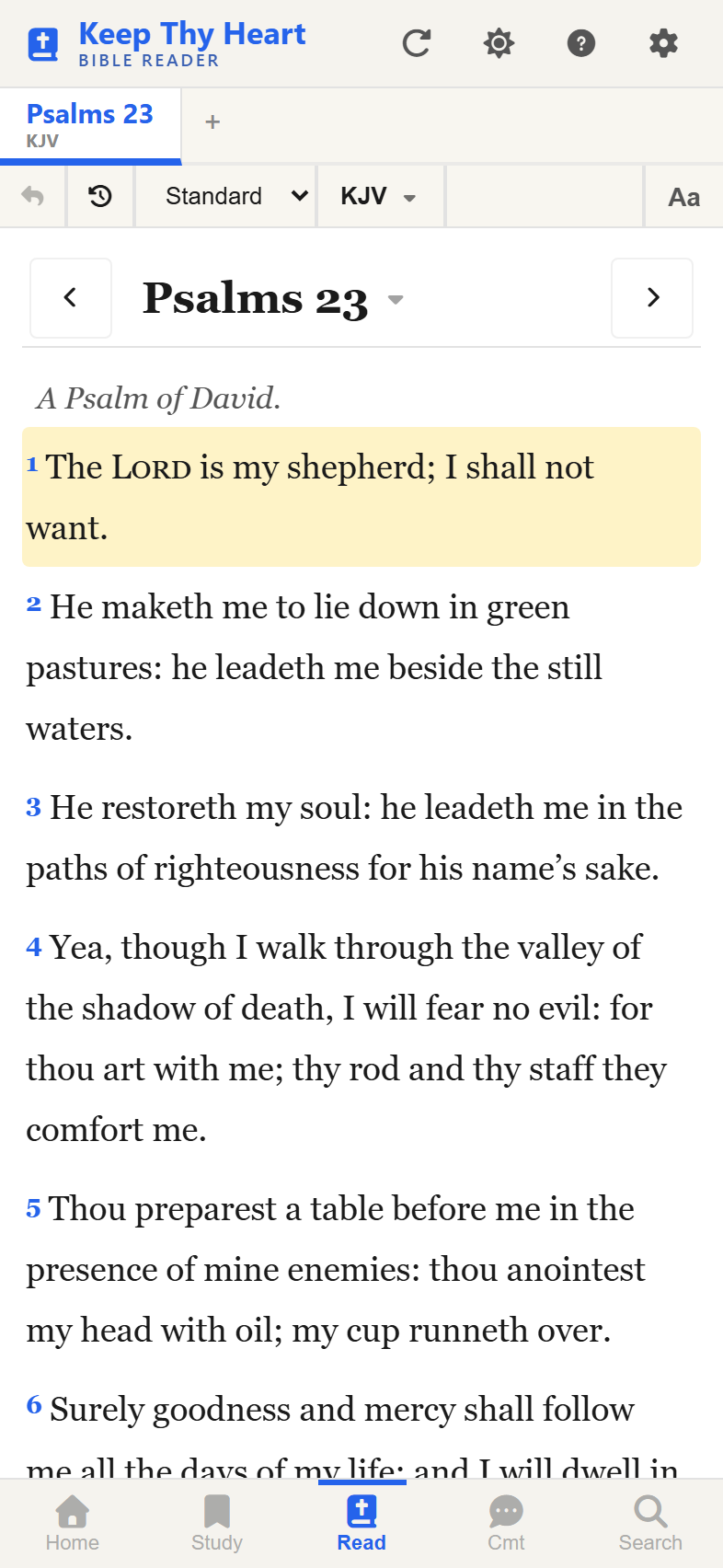
- Works on any device. The same app fits a desktop, a tablet, and a phone.
- Works offline. Where the site operator has enabled it, you can download a translation and keep reading with no signal at all.
A note on how sites differ
Keep Thy Heart Bible Reader is open source, and anyone can run their own copy. The person running the site you are visiting chooses which translations and commentaries are available, and can turn individual features — Ideas Search, offline downloads, entity cards, app installation — on or off. Some sites are also protected by a shared password.
So if this guide describes something you cannot find, it is most likely switched off on that particular site rather than missing from the app.
Ready to start?
If this is your first visit, go to Your First Study Session. It takes a few minutes and covers the core loop: open a passage, study it, search for more.
To install the app on your device so it opens in its own window, see Opening the App.
Explore the guide
- Reading the Bible — navigation, translations, display modes, and multiple tabs.
- Study Tools — commentaries, cross-references, topics, and original-language tools.
- Searching — Standard Search, Ideas Search, references, and Strong's numbers.
- Copying & Sharing Verses — copy verses in the format you need.
- Personalizing Your Experience — themes, fonts, text size, and gestures.
- Using on Your Phone — how the app adapts to small screens.
- Working Offline — download translations for offline reading.
There is also a ? button in the header of the app itself, which opens a short in-app help panel covering the same ground in brief.